Full reference
All onboarding details
Your agreement sets schedule, pay and account terms.
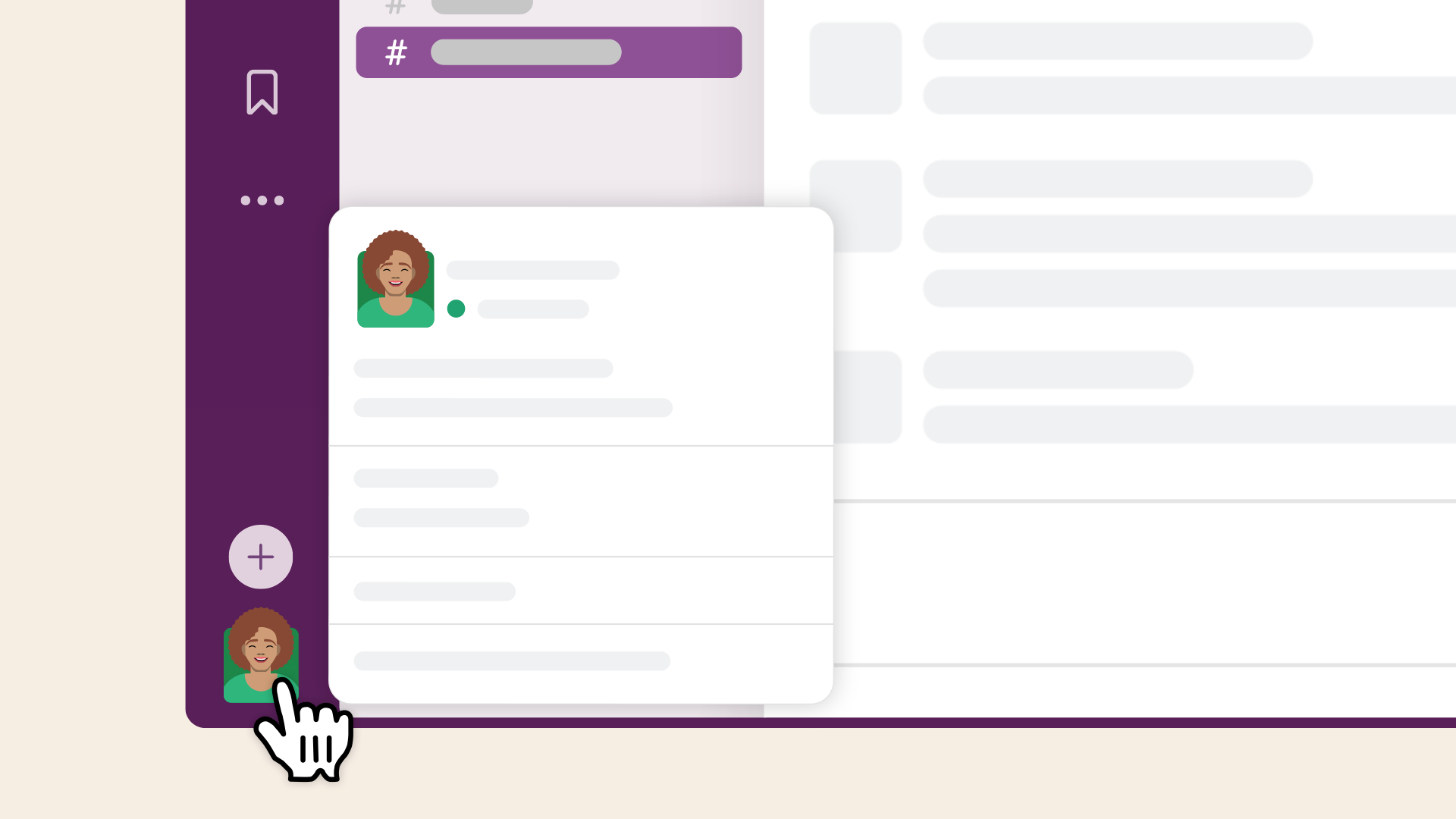
Slack & notifications
- Install Slack. Open your email invite.
- Check spam if it is missing. Ask for a new invite.
- Join with the email on your invite.
- Turn on Slack alerts for all messages or mentions.
- Set mobile alerts to As soon as I'm inactive.
- Allow Slack notifications in your phone settings.
- Say hello in your creator channel.
- Alerts broken? Use Slack's notification troubleshooter.
Accounts & warm-up
- Set up only your assigned Rivet ambassador accounts.
- Use the approved email, handle, photo and bio.
- Keep accounts public. Do not rename or replace them without approval.
- Follow your warm-up plan before posting.
- Keep posting organically through the campaign.
- Never share passwords or codes in Slack.
- Use the secure process for any agreed handover.
Reach & account health
Think you're shadowbanned? Low views alone don't mean you are.
Do
- Check that your account and posts are public.
- Check TikTok eligibility or Instagram Account Status.
- Got a warning? Screenshot it. Tell your coordinator. Appeal in-app.
- No warning? Try a new hook and a fresh cut.
- Stick to your schedule. Give new accounts time.
Don't
- Panic after one low-view post.
- Keep uploading the exact same edit.
- Dump several posts at once.
- Use unapproved audio or captions that break platform rules.
- Buy engagement, use bots or join engagement pods.
- Replace your assigned account without asking.
TikTok eligibility & appeals ↗ · Instagram recommendation rules ↗
Posting plan & deadlines
- Post your assigned number of videos every day.
- A crosspost is not a new video.
- Post approved videos on every assigned platform.
- Space posts across the day as assigned.
- Use only your assigned accounts.
- Deadline at risk? Tell your coordinator early.
Hook placement
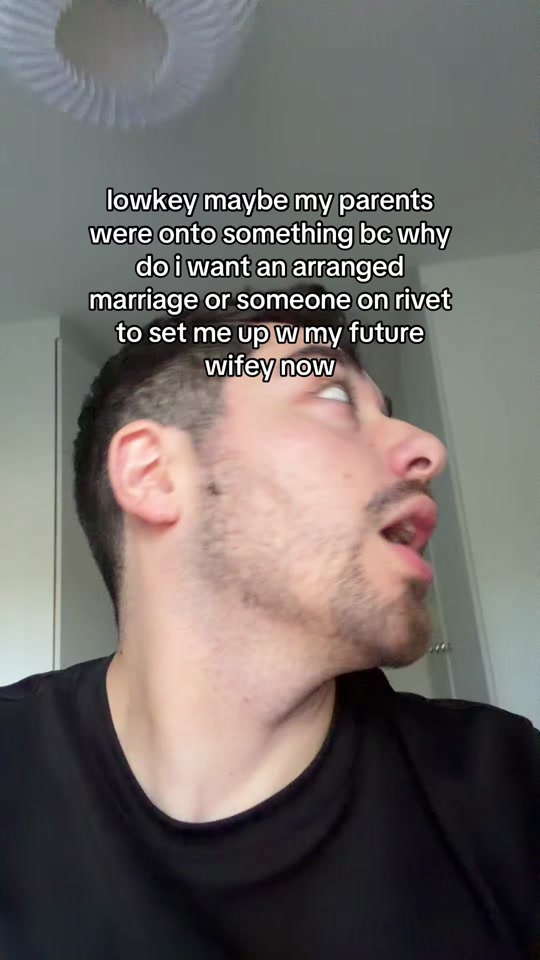
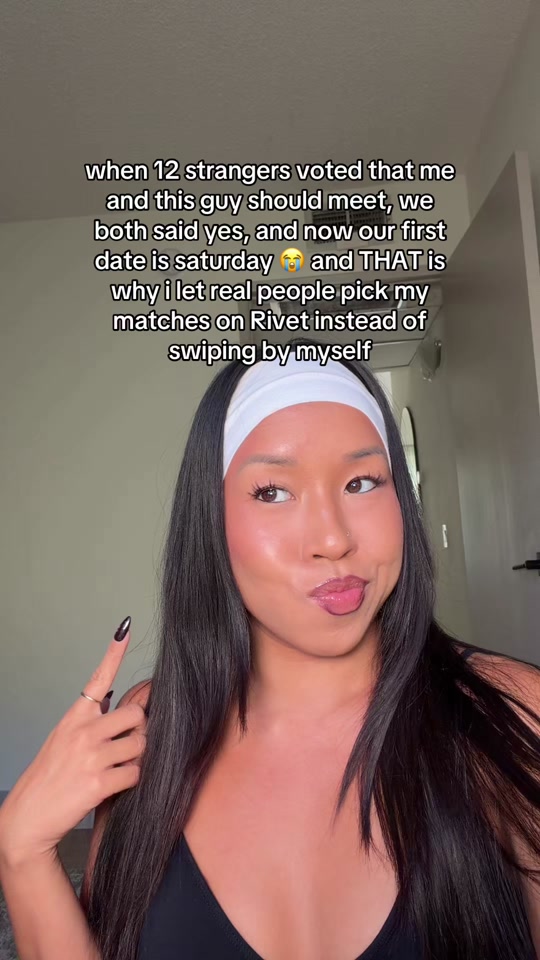
- Show the dating setup in the first frame.
- Keep hook text above faces and app buttons.
- Check that it reads at phone size.
- Give Reels a short cover title.
- Use captions for context and disclosure.
- Bring in Rivet when the matchmaker idea clicks.
Video quality & brand safety
- Use your assigned story, demo or text-led format.
- Hook fast. Use clear light and audio.
- Caption speech. Keep text clear of app buttons.
- Add any ending required in your instructions.
- Show Rivet with approved footage and facts.
- Never fake an experience or result.
- Use your own footage and licensed audio.
- Not sure? Ask in Slack first.
Ambassador disclosure & real engagement
- Say you work with Rivet in the video and caption.
- Use your assigned #RivetAmbassador or #RivetPartner tag.
- Turn on platform disclosure when required.
- Do not hide the relationship in extra hashtags.
- Do not reuse old videos or another creator's work.
- Boost posts only when your assignment allows it.
Feedback & analytics
- Check Slack regularly.
- Send one test video first.
- Apply feedback before making the next batch.
- Post only approved videos.
- Send analytics screenshots when requested.
- Post removed? Tell your coordinator before reposting.
- Terms unclear? Ask before production.
Pay, rights, privacy & exit
- Content use is perpetual.
- Your agreement sets pay, view rules and usage rights.
- It also sets likeness and account ownership.
- Send original-quality files to the approved folder.
- Share authorization codes only when agreed.
- Keep rates, scripts and unreleased assets private.
- Leaving? Tell your coordinator early.
- Hand over approved work and access as agreed.
- Payment and exit terms come from your agreement.
01 / Start
Before your first video
Campaign details to confirm
- Which platforms and accounts?
- How many unique videos each day?
- Which posting times and spacing?
- What start date and length?
- Which Rivet ambassador tag?
- What pay and qualifying-work rule?
- Which Slack channel?
02 / Set up
Get connected
See the steps
Swipe →Screens are illustrations; your app may look different. Slack help ↗
03 / Post
Draft → approve → publish
- 01Send one draftShare it in your creator channel.
- 02Get the go-aheadMake any agreed changes before posting.
- 03Publish on schedulePost on every assigned platform.
04 / Terms
Know your agreement
Pay
Confirm your rate, qualifying work, view rules and pay date.
Content rights
Usage is perpetual. Check channels, paid ads and likeness rights.
Account access
Know which accounts you run and how handover works.
If plans change
Flag delays early. Agree on final files and account access.
05 / Help
Tell us early
Stuck or running late? Message your coordinator in your creator channel.
Invite missing?
Ask for a new one.
Account issue?
Send a screenshot before posting again.
Need a change?
Say what happened and your new ETA.